The AI studio that
doesn't say no.
Nothing off-limits.
Attach an input image, drop in up to 14 references, and generate with Apex, Anchor and more. Vision AI writes the edit prompt for you — literal and specific, never softened into vagueness — and your subject's face is mapped onto the figure it belongs to. Then bring the result to life as video with synced audio.
100 free credits every month
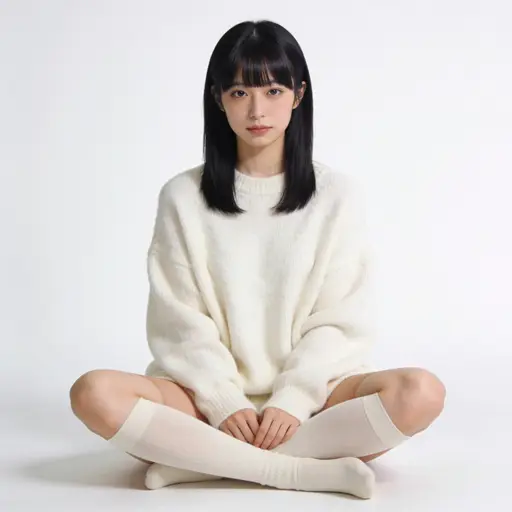 Apex · 2048×2048
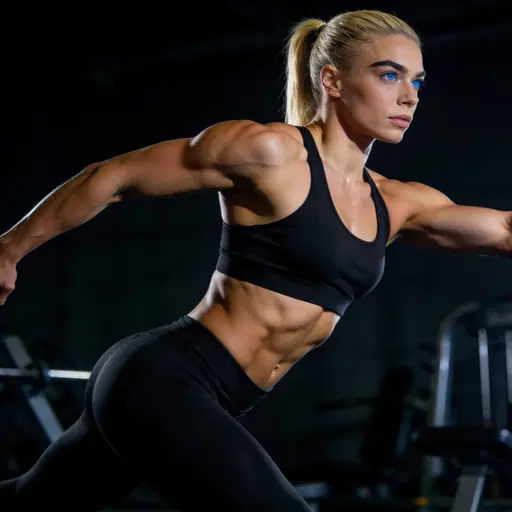 Seedream Pro · 1424×800
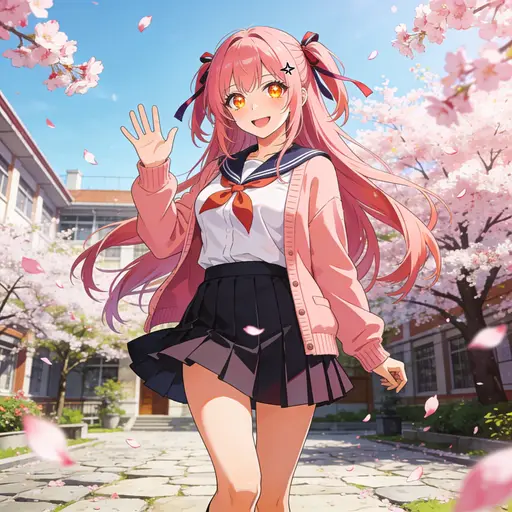 Anchor · 1024×1024
 input
input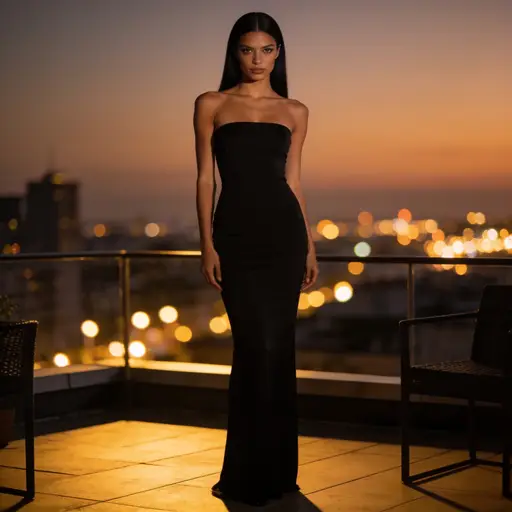
 +10
+10Made for the work other tools refuse
Sensia adds no content filter of its own. Several of the models here run unrestricted, and the vision AI that writes your prompts is instructed to describe what it actually sees rather than sanitise it — a vague prompt is what makes an edit come back wrong.
- No filter added by us — the studio never blocks a prompt of yours
- Prompts written literally and specifically, never softened
- Providers differ: pick a model that runs your work, and a refusal costs you nothing
- Every result stays private to your account
fine-art boudoir portrait of her in an open silk robe, looking back over her shoulder
“This request violates our content policy. Try a different prompt.”
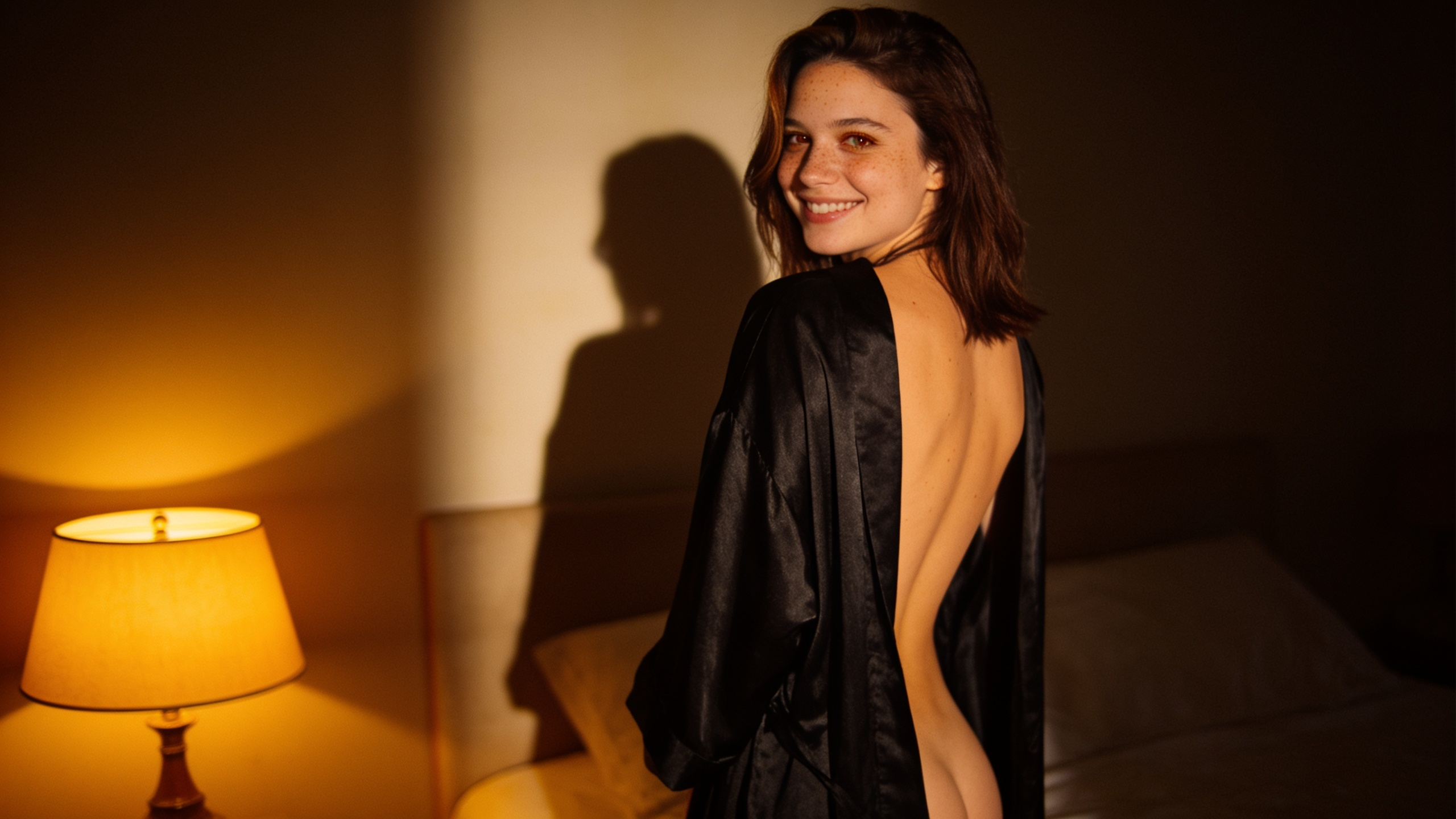 Apex · unrestricted
Rendered. No filter of ours.
The studio never blocks your prompt. Models differ — pick one that runs your work, and a refusal costs you nothing. One hard limit: nothing involving minors, ever.
Everything the good models can do — without the gate in front of them
One studio, one library, one bill at cost — for every model.
No content filters
Sensia adds no filter of its own, and the vision AI that writes your prompts describes what it sees literally instead of softening it. Several of the models here run unrestricted; when one does refuse, the studio names it and the run costs you nothing.
Auto-prompt
Vision AI reads your input and every reference, then writes the full editing prompt — pose geometry, outfits, scene. Or generate from the images alone, with no text at all.
Multi-reference editing
Up to 14 reference images on a single run. Take a character from one, an outfit from another, a scene from a third — with the input image's face kept on the right figure.
Image to video
Animate any image with Seedance, Surge, MiniMax H3 or Gemini Omni — native synced audio included, 2 to 30 seconds.
Comic panel splitter
Drop a manga or comic page and vision AI finds every panel, crops it to the pixel, and files it as its own asset — ready to use as an input or a reference.
Studio tools
Crop, rotate and flip with server-baked, non-destructive edits. Every result lands in your library as a new version — originals are never touched.
Drop references. Get the prompt. Get the images.
Attach your input and references and vision AI writes the edit — full pose geometry, garment names, scene, and which figure your subject maps onto. Tick your models and it generates one image per model, automatically. No prompt-writing, no clicking Generate.
- One image per checked model
- No text needed — images alone are enough
- Editable prompt before anything runs
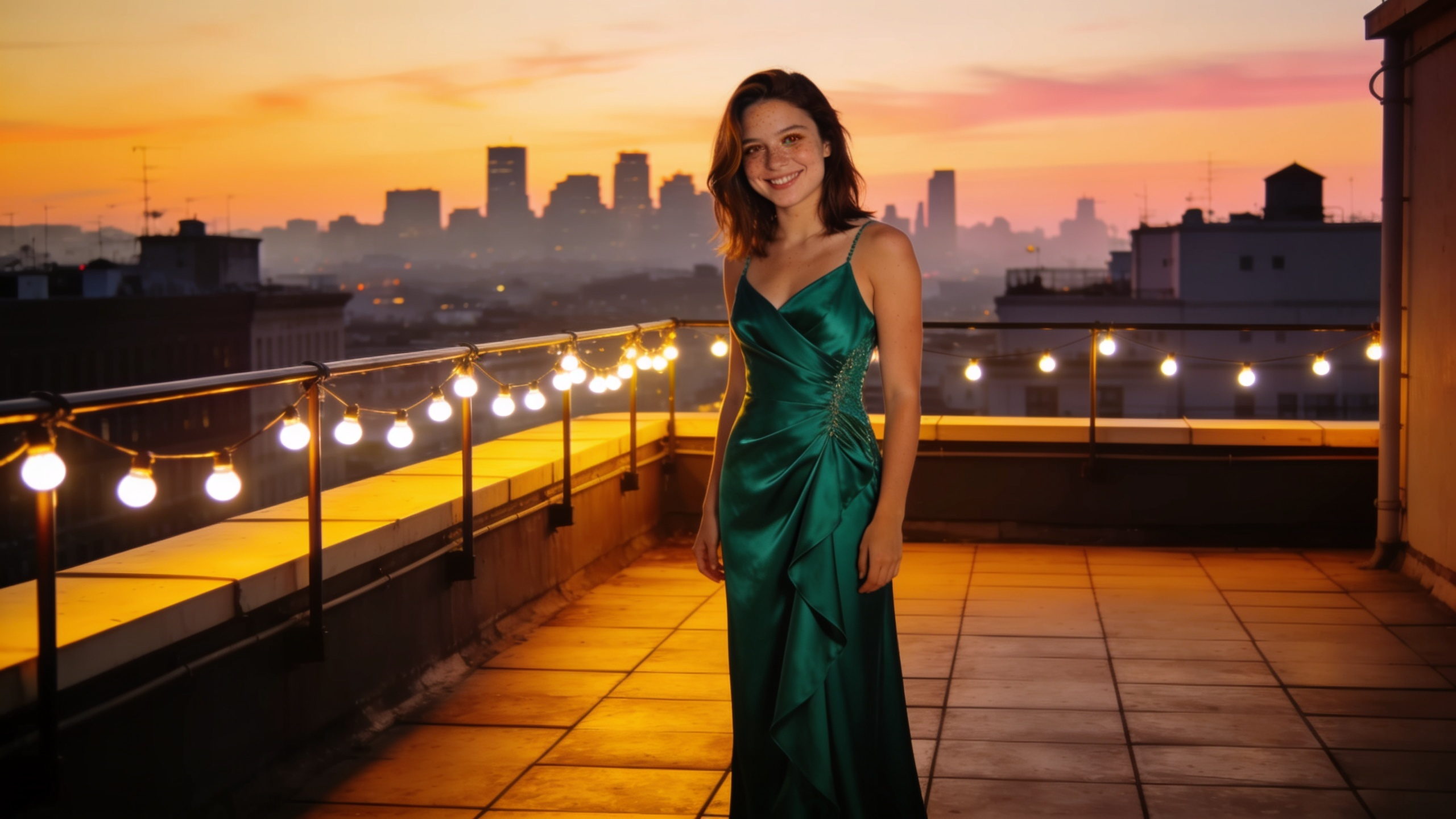
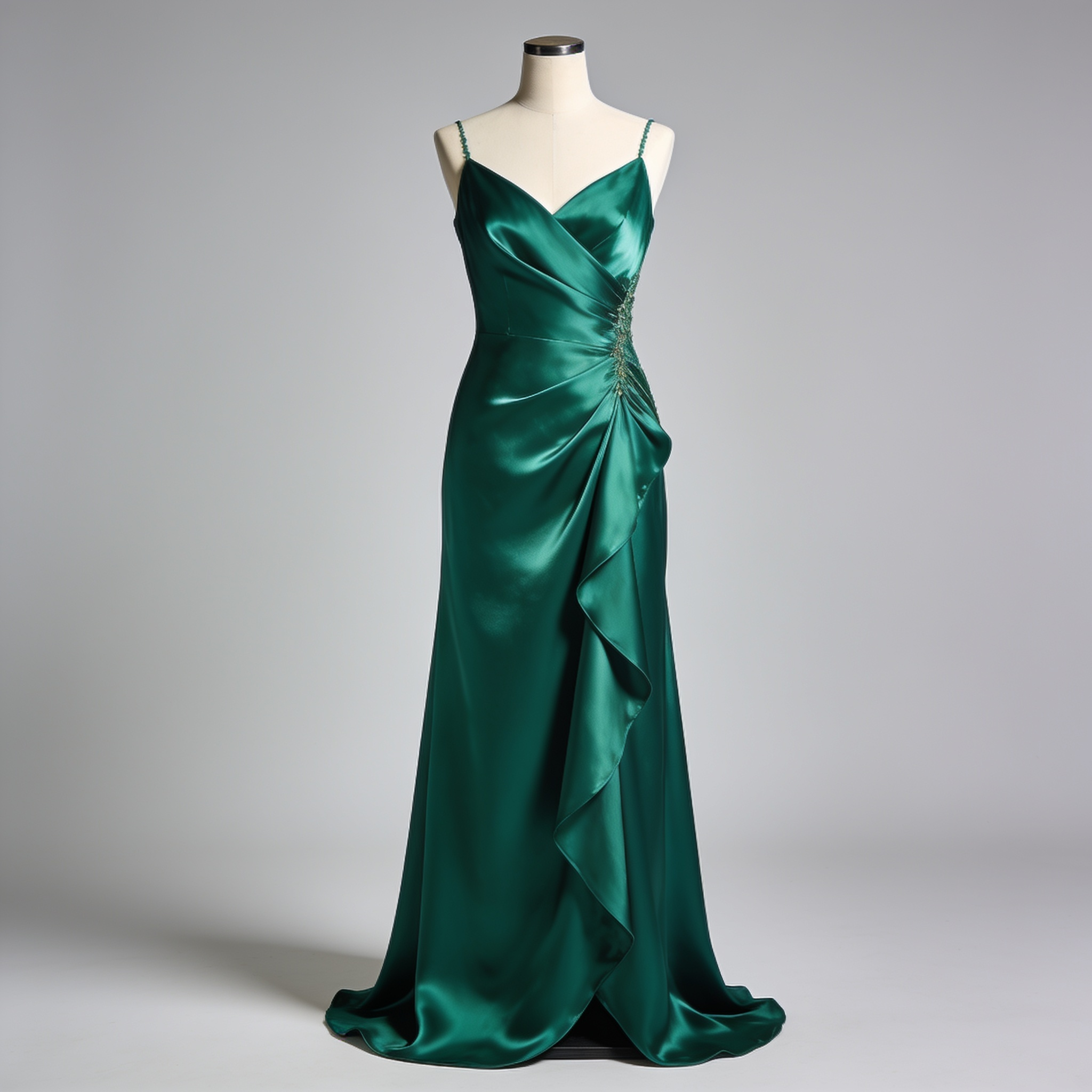
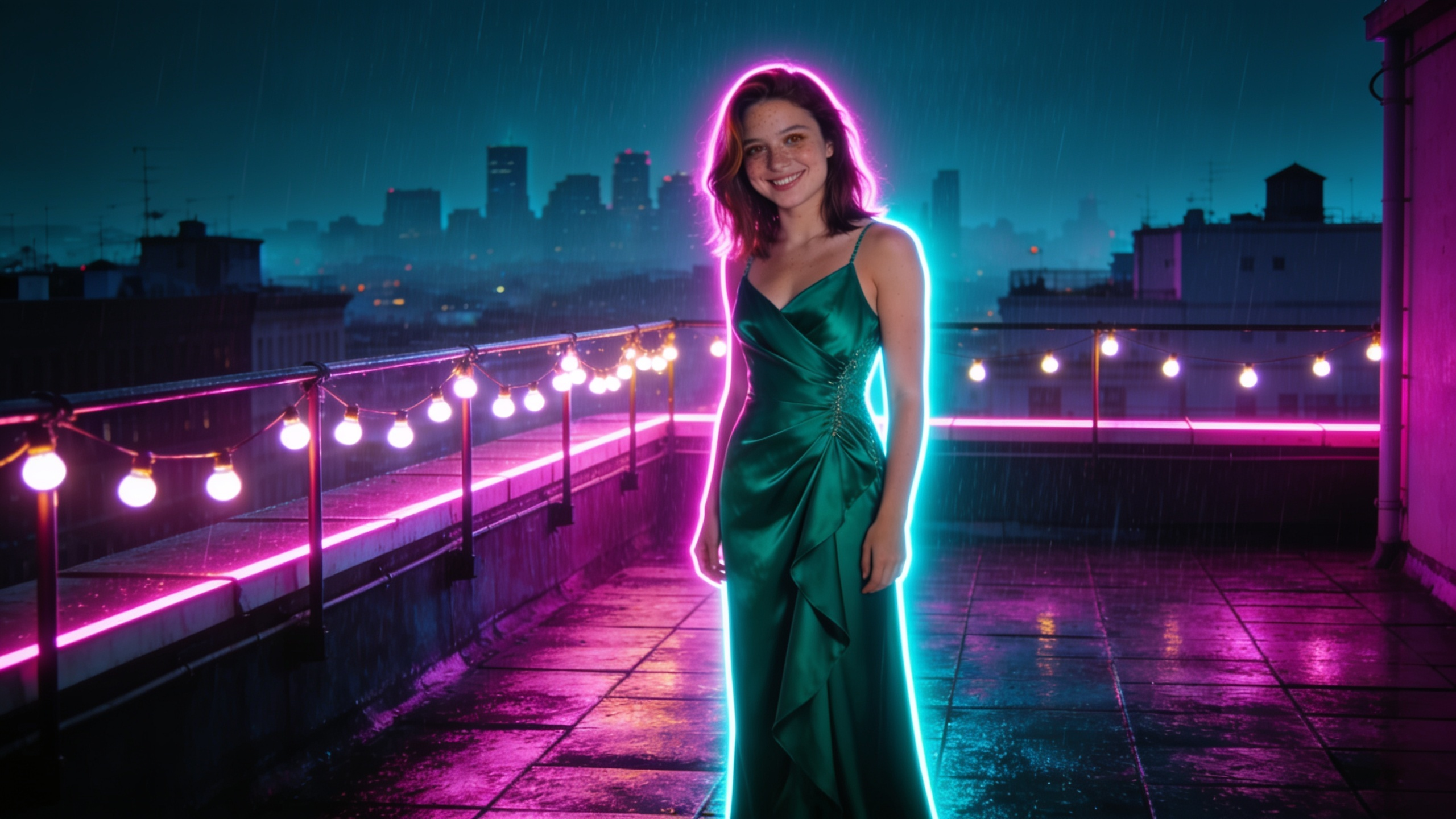
Place the subject in the reference's rooftop scene at dusk, wearing its black silk slip dress.
The input's face, identity and pose. Its own art style — not the reference's.
The input's original background and clothing. Any face from a reference.
Written for you — editable before anything runs.
Fourteen references. One result.
Take a character from one image, an outfit from another, a scene from a third. Your input's face is bound to the figure it belongs to, every other figure keeps the reference's own, and the output stays in your input's art style rather than the reference's.
- Up to 14 references on a single run
- Identity mapped to one figure, not smeared across the frame
- Re-roll freely — each result is its own asset
Input · faceRef · outfit Ref · scene
Make it move — and make it loud.
Animate any image with Seedance, Surge, MiniMax H3 or Gemini Omni, 2 to 30 seconds, with native synced audio on the models that produce it. Motion prompts are suggested from the source image itself, so a still becomes a shot in one click.
- Image-to-video across every video model
- Motion suggestions read from your own image
- Native synced audio, no separate pass
Comic page in. Panels out.
Drop a manga or comic page and the panel splitter detects every panel with vision AI, crops them with pixel precision, and files each one as its own asset — ready to use as inputs or references.
- Vision-detected panel boundaries
- Individual assets in your library
- Panels double as batch references
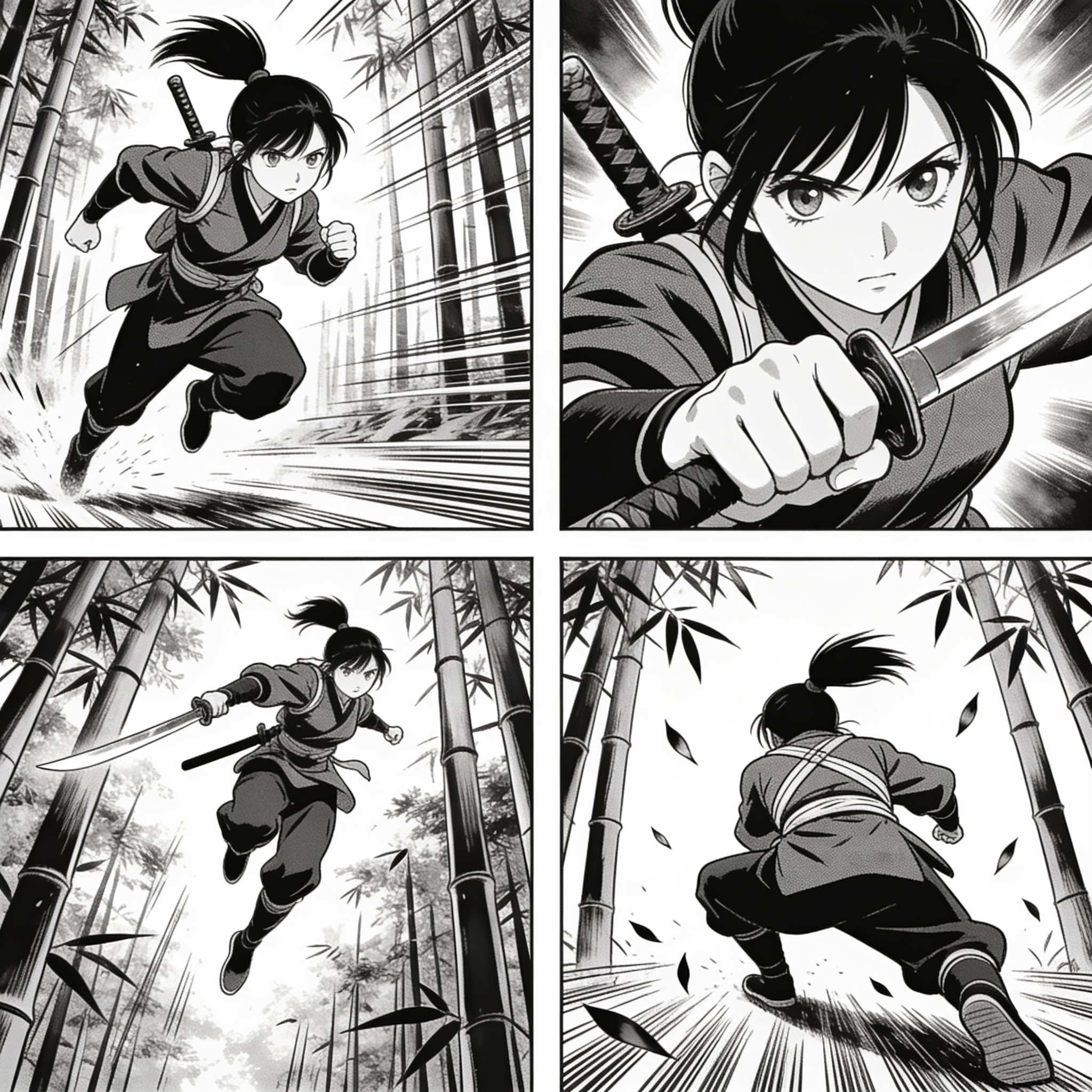
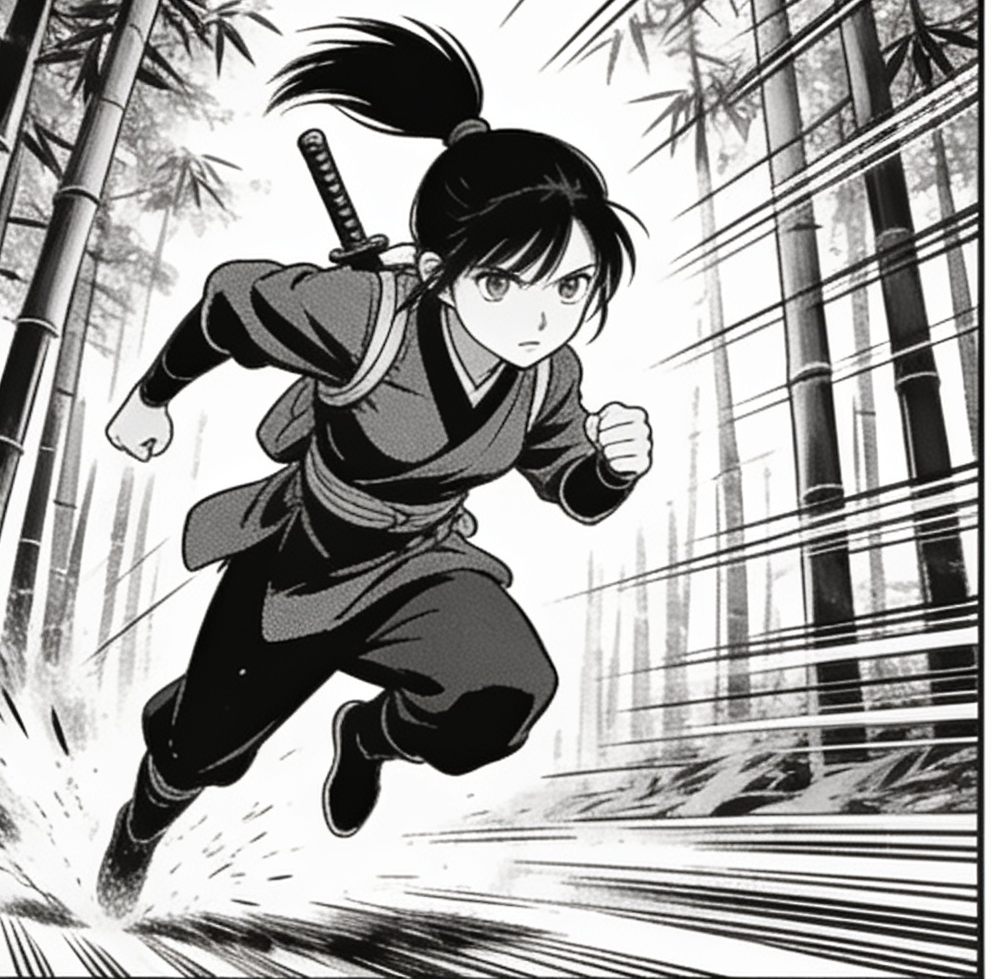
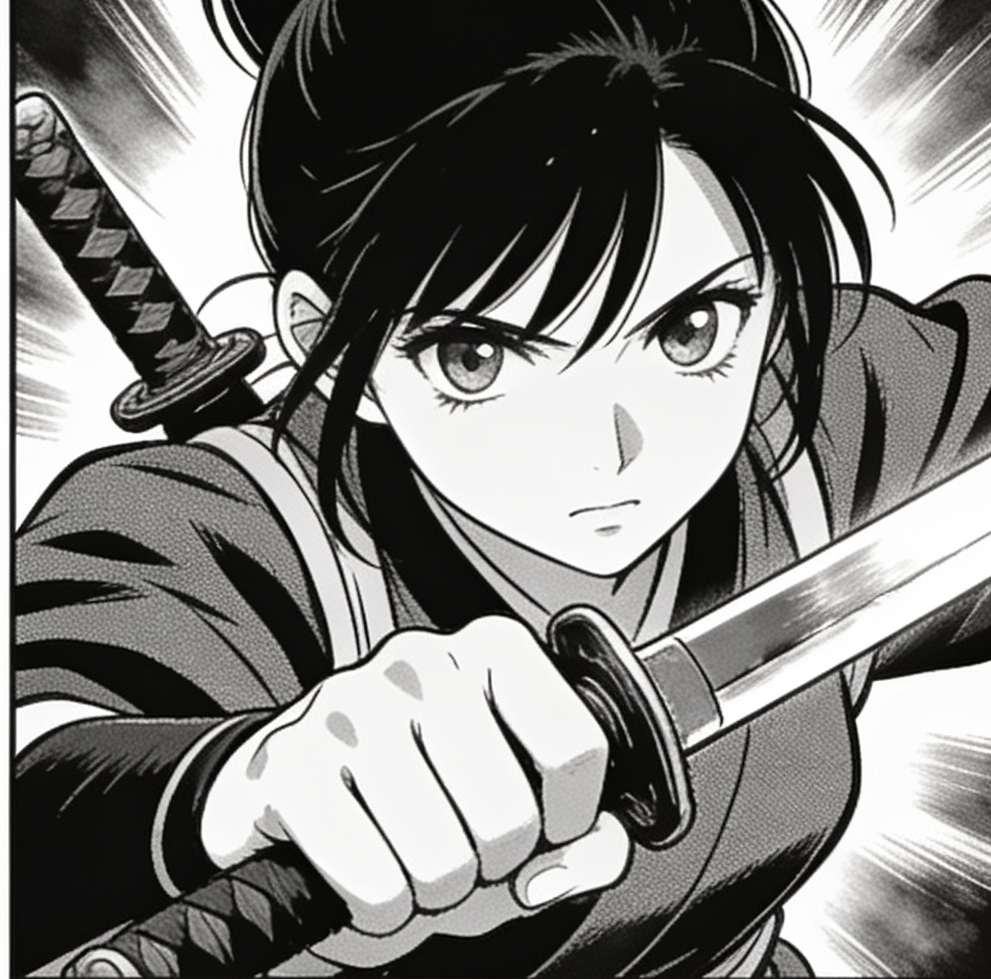
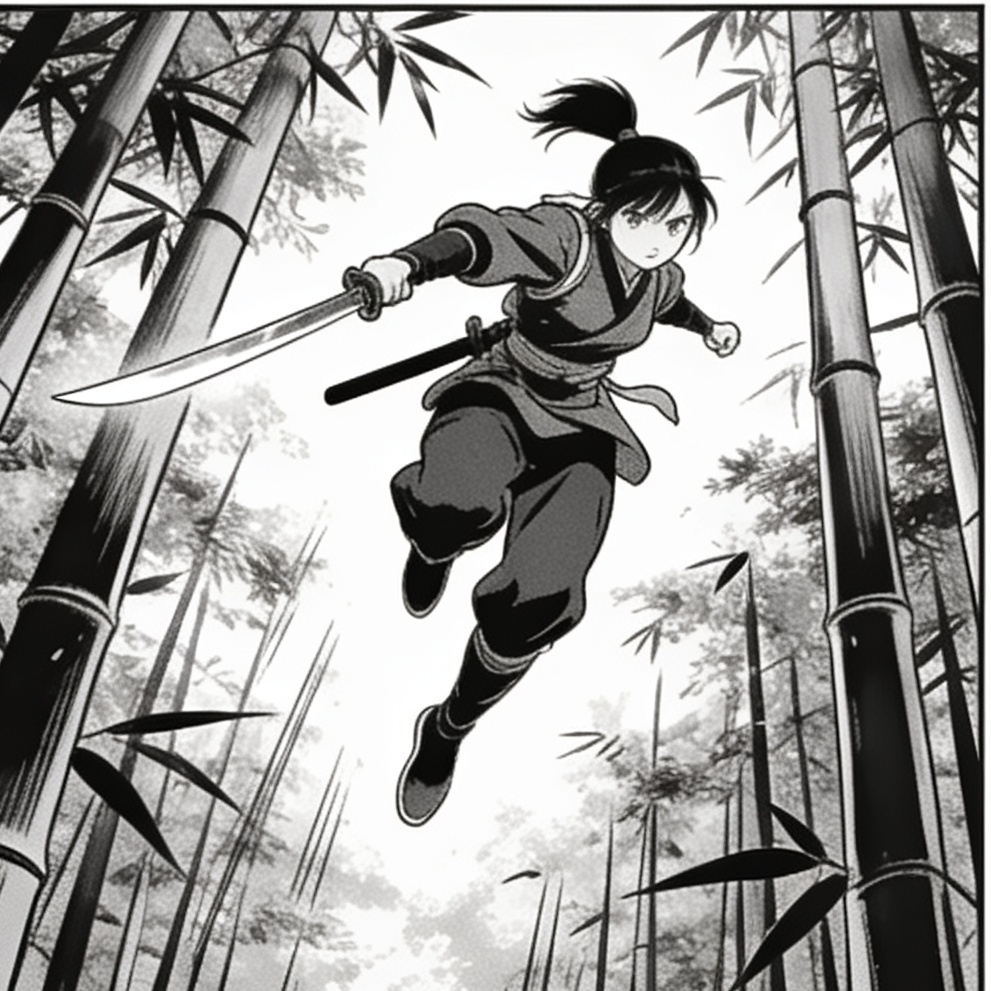
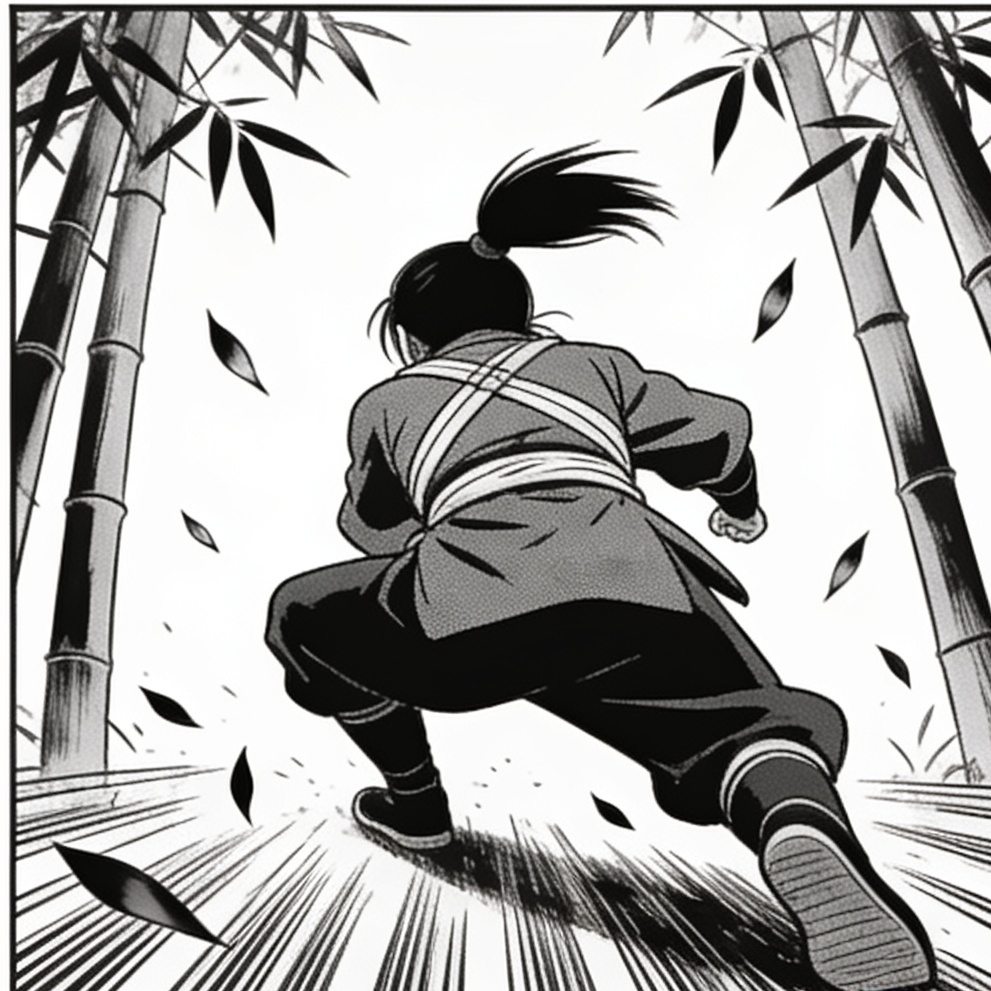
 panel pose → photoreal render
One page in · four assets out · any panel becomes the reference for a new render
Batch the work you repeat.
Generate one image per reference in a single pass, or add every panel as a reference. Each result is a first-class asset with its own cost recorded — the same run, your subject, many looks.
- One generation per reference
- Real per-image cost from the provider
- Everything non-destructive
4¢4¢4¢ 4¢
4¢Start from a curated character
Dozens of original AI models across every style, ready inside the studio — dress them, pose them, animate them, or bring your own photos. Yours to direct from the first click.
Mia — girl next doorphotorealElena — evening dressphotorealSofia — beach dayphotorealYuki — studio portraitrealisticAria — athleticrealisticHana — anime classicanime Rin — cool-toned animeanime
 Bella — cartoon pinupcartoon
 Zoe — modern cartooncartoon
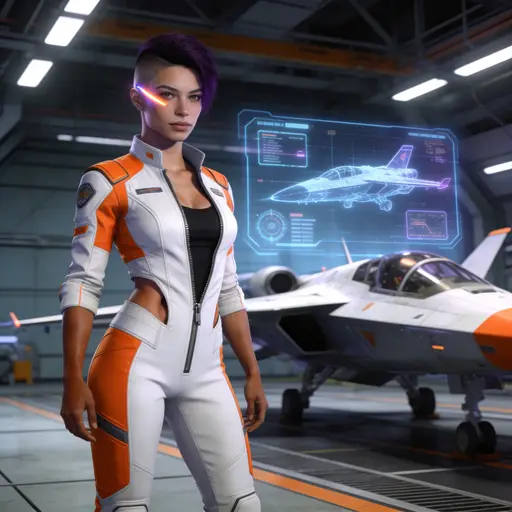 Nova — sci-fi 3D3d
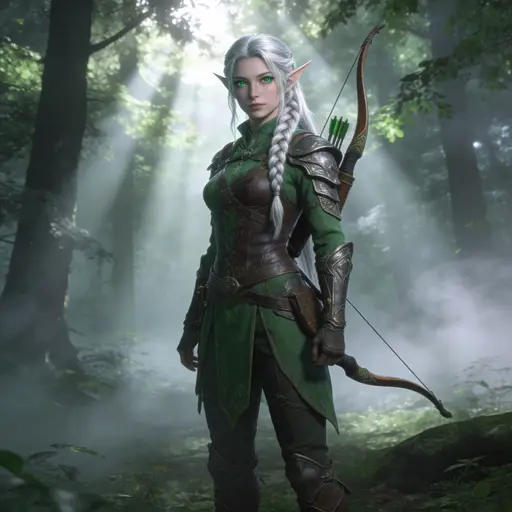 Lily — fantasy 3D3d
 Amara — West African queenphotoreal
Curated by the studio · fictional AI-generated adults · every edit is private to your account
7 image models, 7 video models
Honest blurbs, written from real runs — including each model's limits. The ones we have seen run unrestricted are marked as such.
Seedream Pro
ImageBest quality. Precise edits, up to 10 references.
Seedream Lite
ImageFaster and lighter. One reference image, fixed 2K sizes.
Apex
DefaultUnrestrictedImageUp to 14 references. Keeps input faces ~half of runs.
Nano Banana Lite
ImageGoogle Gemini 3.1 Flash Lite. Fast image generation and editing.
Grok Imagine
ImagexAI Grok Imagine 2.0. Quality-aware generation and image editing.
Anchor
UnrestrictedImageSteadiest at keeping the input's identity. 3 references max.
Anchor Pro
ImageDense layouts, small text, multilingual.
Seedance
VideoDefault. Image-to-video, 4–30s.
Surge
UnrestrictedVideoUnrestricted motion model, 2–15s. Anchors the first frame pixel-perfect.
MiniMax H3
VideoHailuo 3. Native synced audio, multi-reference, 5–15s.
Gemini Omni
VideoGoogle Gemini Omni Flash. Native audio, multi-turn, 3–10s.
LTX Fast
VideoLightricks LTX 2.5 Fast. Quick generation, 6–20s.
LTX Pro
VideoLightricks LTX 2.5 Pro. High-fidelity, up to 4K, 6–20s.
FLUX Video
VideoBFL FLUX 3. Native synced audio, multiple styles, 5–20s.
Simple, credit-based pricing
Every plan grants credits; generating images and videos draws them down.
Free
$0/month
100 credits every month to try every model.
- All image and video models
- Prompt optimization
- Full library + history
Pro
$27.99/month
500 credits every week
Save $79.60/year vs weekly
- All image and video models
- Full batch generation, up to 15 at once
- Manage subscription anytime
Studio
$99.99/month
2,000 credits every week
Save $359.60/year vs weekly
- Everything in Pro
- 4× more credits than Pro
- Up to 20 concurrent generations
Free
$0/mo
100 credits every month — enough to try every model.
- All image and video models
- Auto-prompt and batch tools
- Full library + history
Pro
RecommendedWeekly$7.99/week
Monthly$27.99/month
Yearly$249/year
500 credits every week — for regular creative work.
Save 40% with yearly billing
- 500 credits every week
- All image and video models
- Full batch generation, up to 15 at once
- Cancel anytime
Studio
Heavy useWeekly$29.99/week
Monthly$99.99/month
Yearly$799/year
2,000 credits every week — for heavy daily creative work.
Save 49% with yearly billing
- Everything in Pro
- 2,000 credits every week
- 4× more credits than Pro
- Up to 20 concurrent generations
- Manage or cancel anytime
Billed via Stripe · cancel anytime · unlimited is invite-only
FAQ
What is Sensia?+
A creative studio for unrestricted AI image editing and image-to-video work. You bring an input image and references; vision AI writes the prompt; a curated lineup of state-of-the-art models — including Sensia's own unrestricted Apex and Anchor — does the editing.
Is generation filtered or censored?+
Sensia adds no content filter of its own, and the vision AI that writes your prompts describes what it sees literally rather than euphemising it. What varies is the model: several run unrestricted, while others enforce their provider's own policy and will refuse some work. The studio names the model that refused, and a refusal costs you nothing — credits are only spent on results that land. Illegal content is never permitted, on any model — and content involving minors is never permitted, under any circumstances.
Which AI models does Sensia support?+
For images: Sensia's own Apex, Anchor and Anchor Pro — Apex and Anchor run unrestricted — plus Seedream Pro and Lite, Nano Banana Lite and Grok Imagine. For video: Sensia's own unrestricted Surge, plus Seedance, MiniMax H3, LTX and Gemini Omni. New models are added as they ship.
Can I use Sensia for free?+
Yes. Every account gets 100 credits each month at no cost — enough to try every model. Pro grants 500 credits every week for $7.99/week, $27.99/month, or $249/year. Studio grants 2,000 credits every week for $29.99/week, $99.99/month, or $799/year. Annual billing saves up to 49%, while credits still reset weekly.
Which models are unrestricted?+
Nothing on Sensia's side ever blocks a run; what varies is each provider's own policy. Models we have seen run unrestricted carry a badge in the grid above — an unmarked model is not necessarily strict, it depends on the prompt. An account is required, and access is gated during the private beta.
How is my data handled?+
Your uploads and results live in your own private storage and database. Nothing is shared between accounts, and generations are visible only to you.
Can I cancel my subscription?+
Anytime, from the pricing page inside the app — it manages your Stripe subscription directly, and you keep access through the end of the billing period.
Where can I get help?+
Email support@sensia.fun for anything account- or billing-related — a stuck generation, a refund question, a bug. For everything else, hi@sensia.fun.